








MBD Productivity CAD-Plugin

MBDConnect for Creo

Turn Creo CAD with PMI into downstream-ready MBD data

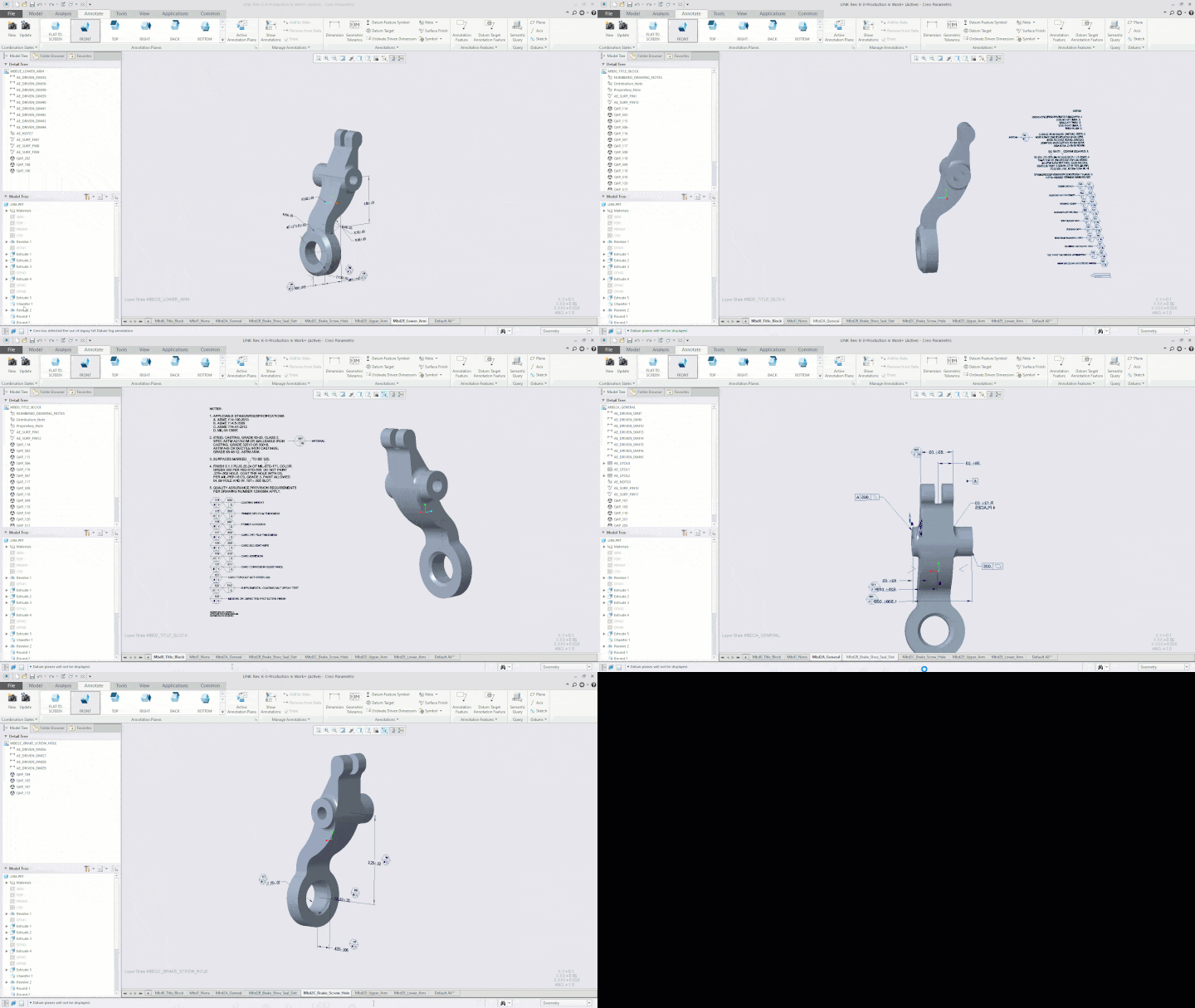
  • Export true MBD directly from Creo to QIF or STEP AP242

  • Synchronize 2D annotations to 3D MBD to upgrade legacy workflows

  • Prepare PMI for machine-readable downstream use in manufacturing and quality

  • Keep interoperable MBD data connected across the digital thread
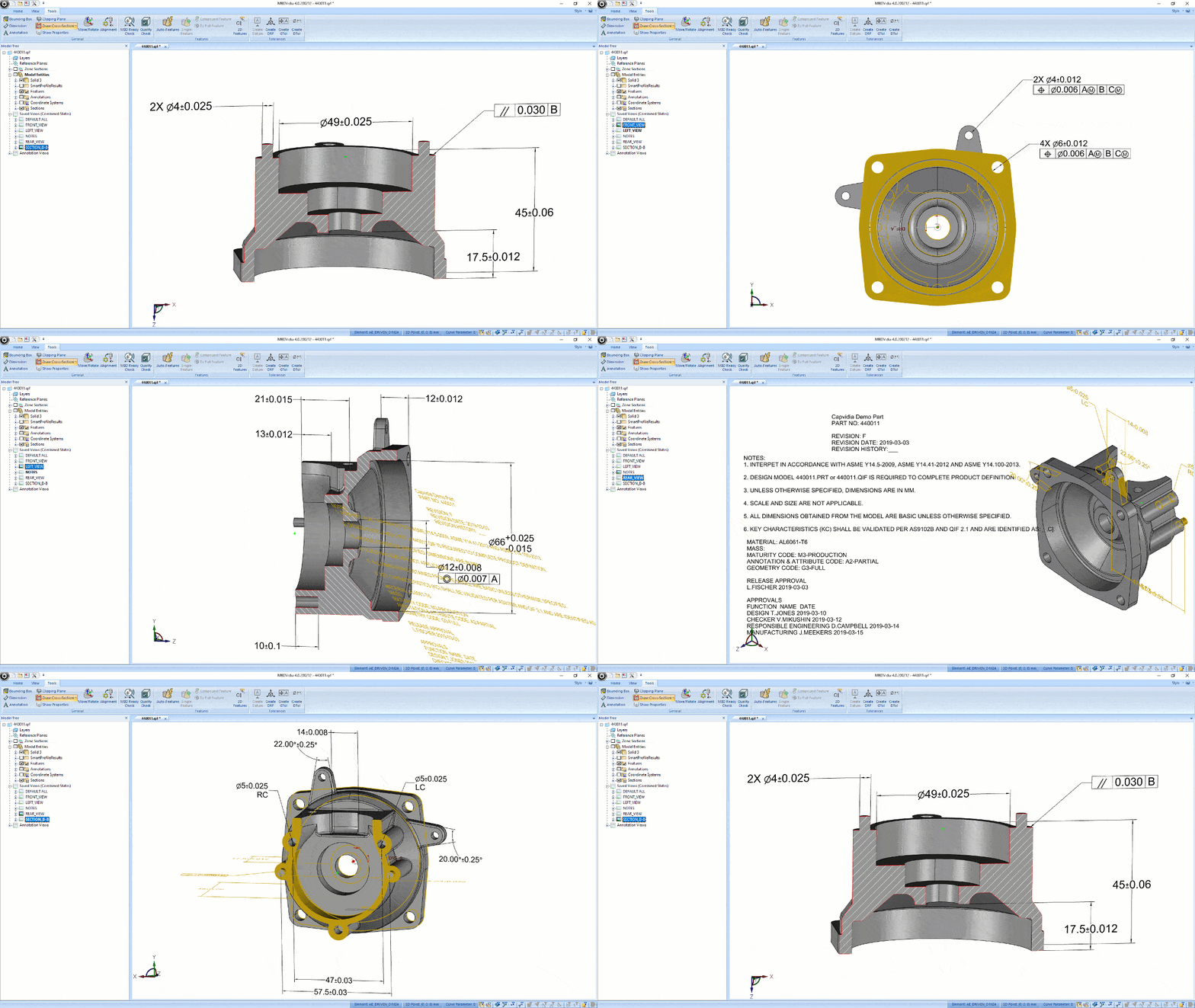
MBDVidia GIF

Built for teams moving MBD from design into downstream execution

From pilot projects to enterprise MBD workflows, teams use Capvidia to reduce manual handoffs and improve downstream interoperability.

Trusted by leaders in aerospace & defense, automotive, medical, industrial, and more.

Design & CAD teams

Publish MBD-rich models in neutral formats for reuse across downstream systems.

Quality & inspection teams

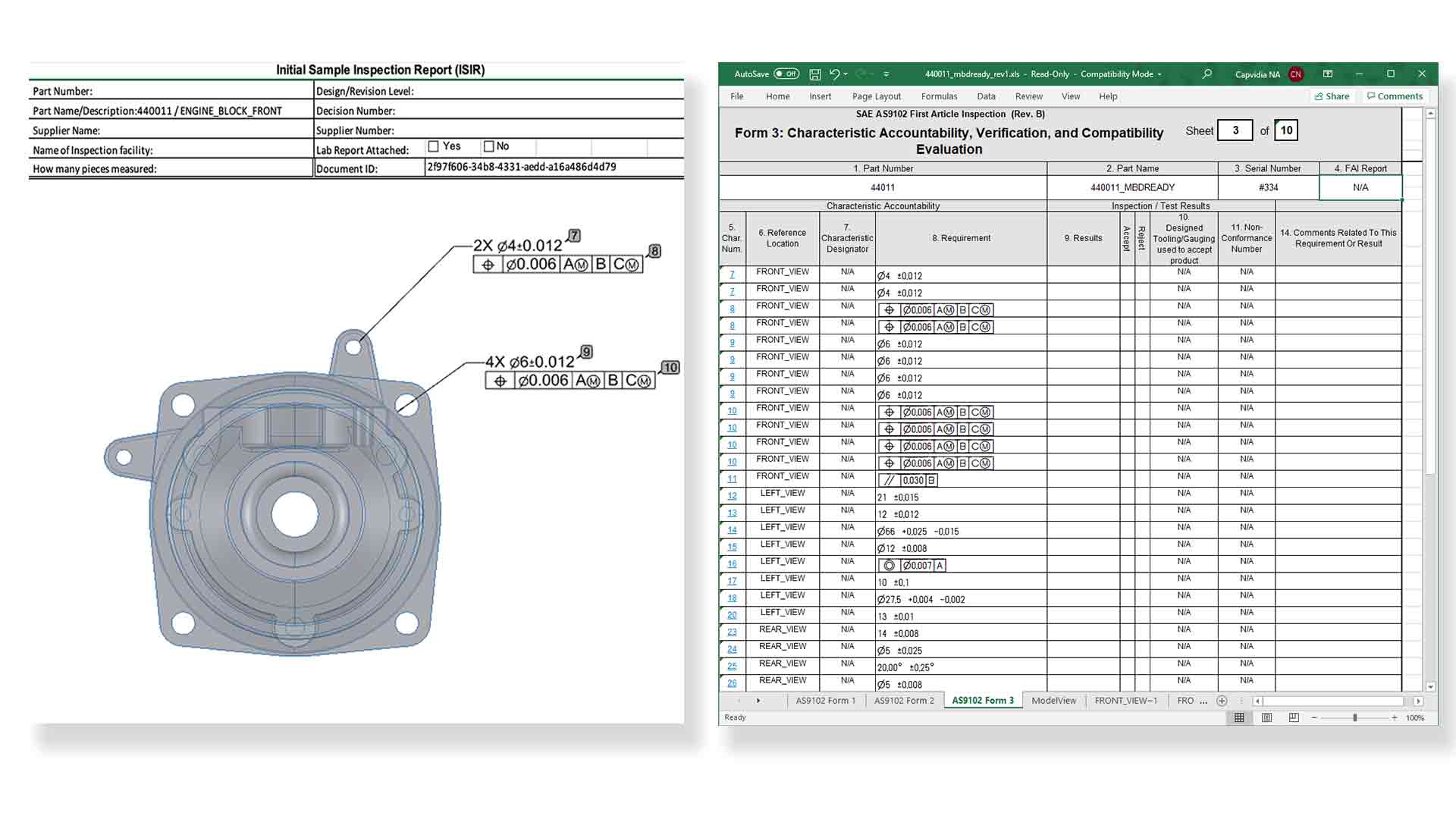
Using MBDVidia, generate bill of characteristics, ballooning, and inspection-ready reports from 2D or 3D sources.

Digital Transformation leaders

Reduce manual transcription, improve interoperability, and strengthen the digital thread.

MBDReady

How MBDConnect for Creo fits into your workflow

DQM
Capvidia Vector logo

Author in Creo

Work in your native Creo environment while preparing model-based data at the source

Capvidia Vector logo

Export to standards-based MBD

Publish semantic PMI and product definition to QIF or STEP AP242 for downstream use

Capvidia Vector logo

Connect downstream workflows

Send trusted MBD data into manufacturing, inspection, and quality without losing intent or traceability

MBDReady

What you can do with MBDConnect for Creo:

1.

Export model-based data from Creo

Publish an ISO-standard QIF or STEP AP242 model directly from Creo.

Multi-CAD interoperability through the digital thread and workflow. Compatible with Creo 4 and above.

ezgif.com-resize
2.

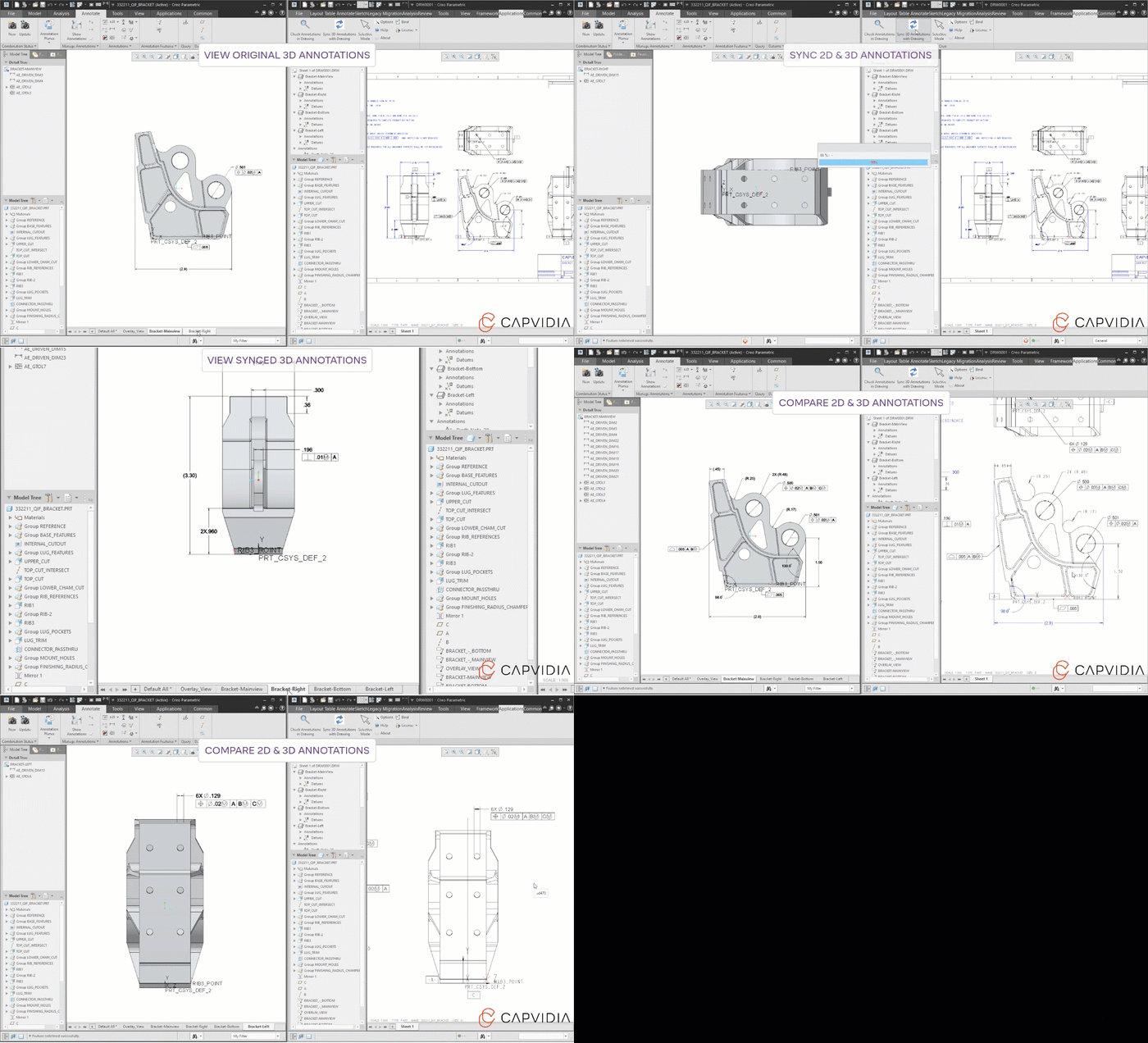
Convert 2D Creo drawing information into 3D PMI

Automatically synchronize 2D annotations to 3D MBD. Upgrade legacy workflows.


MBD Tools for Creo 2D to 3D sync
3.

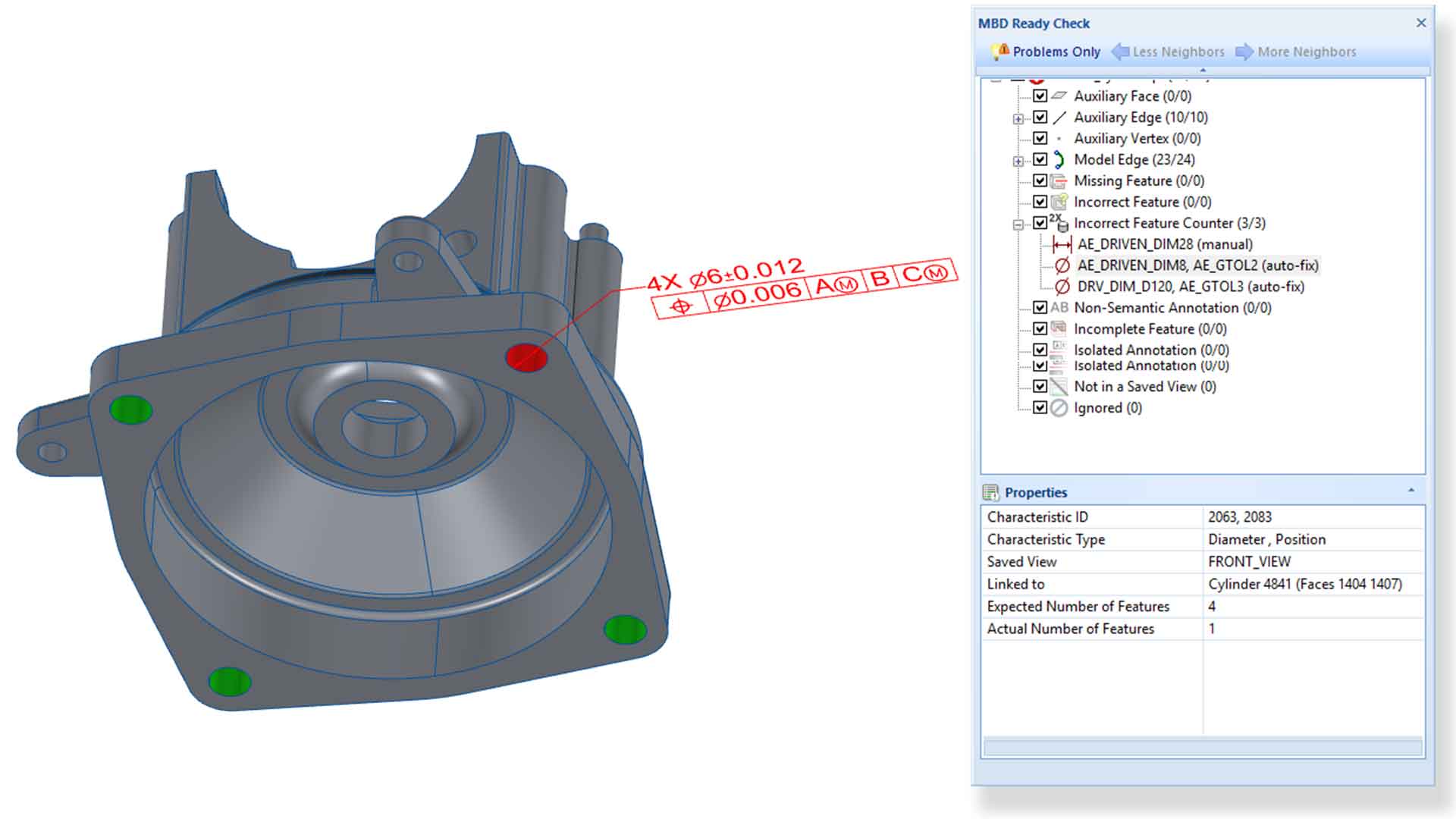
Prepare machine-readable MBD for inspection workflows

Machine-readable PMI enables downstream processes in quality and manufacturing aka automation.


MBDV-screenshot2-a
4.

Open the door to MBD

Endless possibilities with MBD: Automated FAI and CMM. Harvest measurement data. Import measurement results back into MBD model for improved product and business insights. 

MBDV-screenshot4
5.

Capvidia Priority Support

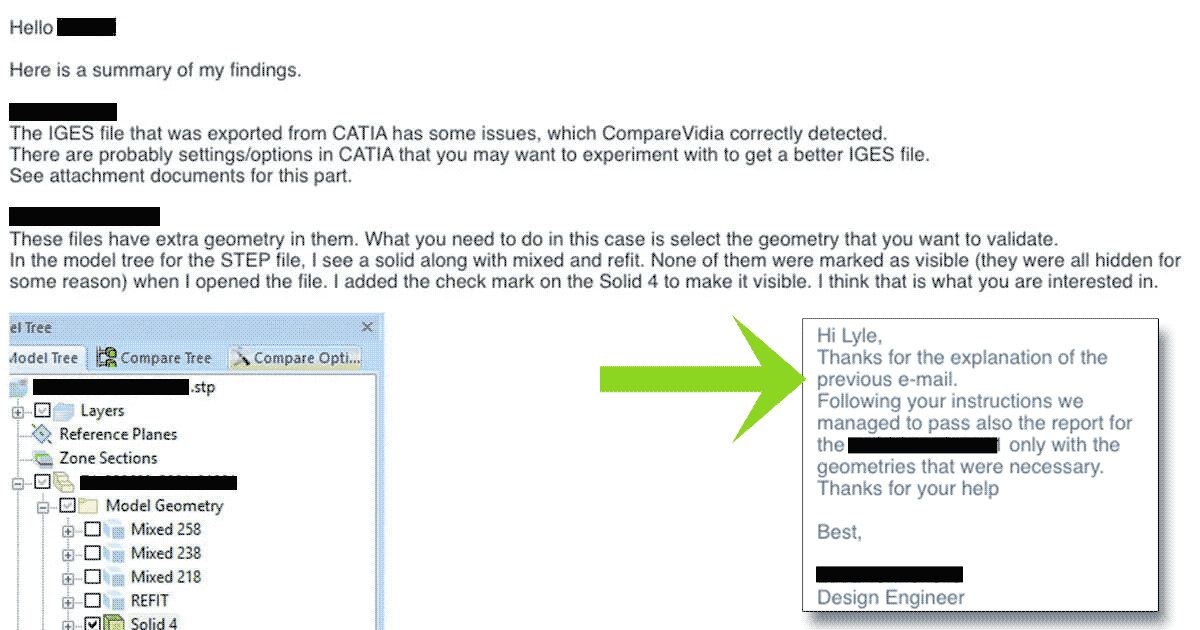
We've got your back. Second to none in personal support. We don't sell software; we provide solutions. Have questions or need help. Just ask!


Capvidia-Support2

Benefits of using MBDConnect for Creo for OEMs and Suppliers

  1. Publish true MBD directly from Creo

    Export semantic PMI to QIF or STEP AP242 for downstream interoperability.

  2. Upgrade legacy 2D workflows faster

    Automatically synchronize 2D annotations to 3D PMI instead of rebuilding data manually.

  3. Improve downstream automation and inspection quality

    Prepare machine-readable PMI for manufacturing, CMM, and quality workflows.

  4. Strengthen digital thread from design to results

    Bring downstream measurement data back into the MBD workflow for better traceability and insight.

FAQ

Questions?

What benefits does MBDConnect for Creo provide for downstream documentation?

MBDConnect for Creo enhances Model-Based Definition workflows by streamlining the connection between 3D models and downstream documentation, improving data exchange for quality assurance and manufacturing. 

How does the Engineering Checker contribute to model quality?

The Engineering Checker automates model validation by checking Creo models and PMI against predefined standards, ensuring model integrity and compliance from the start. 

What is the purpose of generating and importing balloons in MBDConnect?

Generating and importing balloons helps create a structured Bill of Characteristics (BoC) that ensures traceability between geometry and PMI, enhancing inspection planning and documentation. 

Can MBDConnect facilitate the transfer of annotations from 3D models to 2D drawings?

Yes, MBDConnect allows for seamless transfer of annotations from 3D models to 2D drawings, ensuring consistency and quality in documentation. 

Is MBDConnect compatible with industry-standard export formats?

Yes, MBDConnect supports industry-standard export formats such as QIF and STEP AP242 for efficient data exchange. 

See whether MBDConnect for Creo is right for you

Request a trial of MBDConnect for Creo. Explore how to publish interoperable MBD, repair PMI, and syncing 2D to 3D.