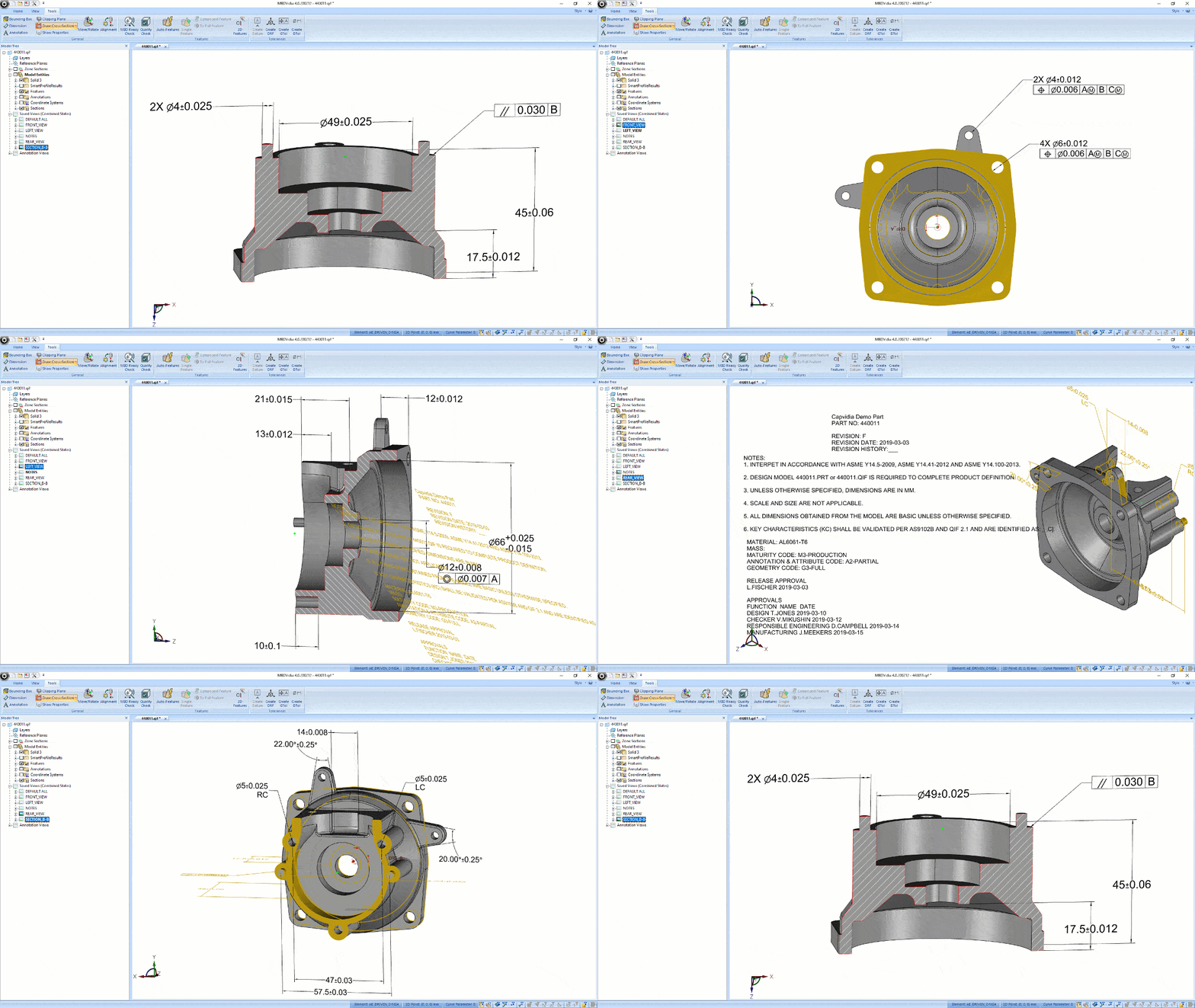








MBD Productivity CAD-Plugin

FormatWorks

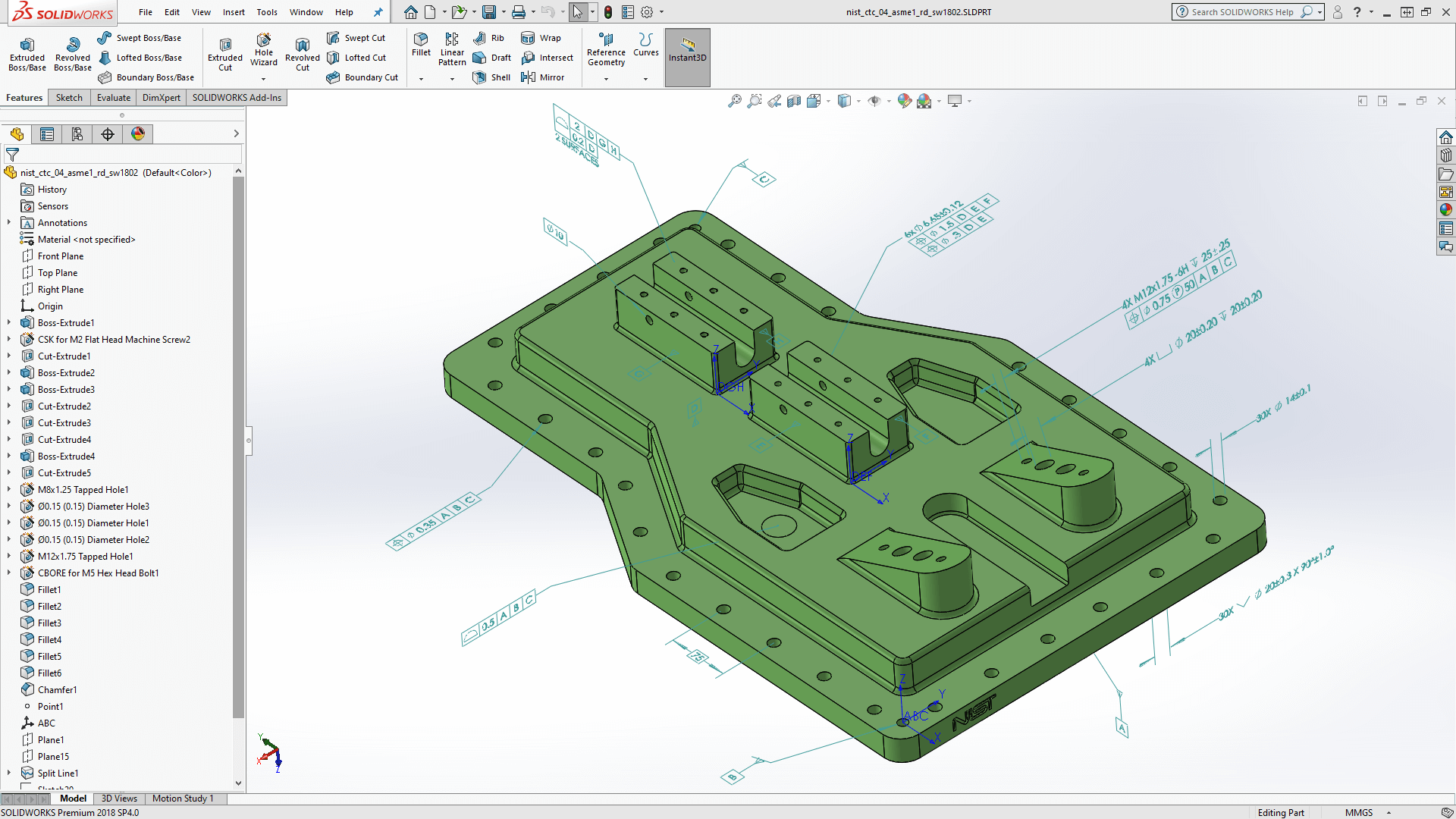
Turn SolidWorks CAD with PMI to downstream-ready MBD data

  • Export true MBD from SolidWorks to QIF or STEP AP242

  • Prepare PMI for machine-readable downstream use in manufacturing and quality

  • Keep interoperable MBD data connected across the digital thread

MBDVidia GIF

Built for teams moving MBD from design into downstream execution

From pilot projects to enterprise MBD workflows, teams use Capvidia to reduce manual handoffs and improve downstream interoperability.

Trusted by leaders in aerospace & defense, automotive, medical, industrial, and more.

Design & CAD teams

Publish MBD-rich models in neutral formats for reuse across downstream systems.

Quality & inspection teams

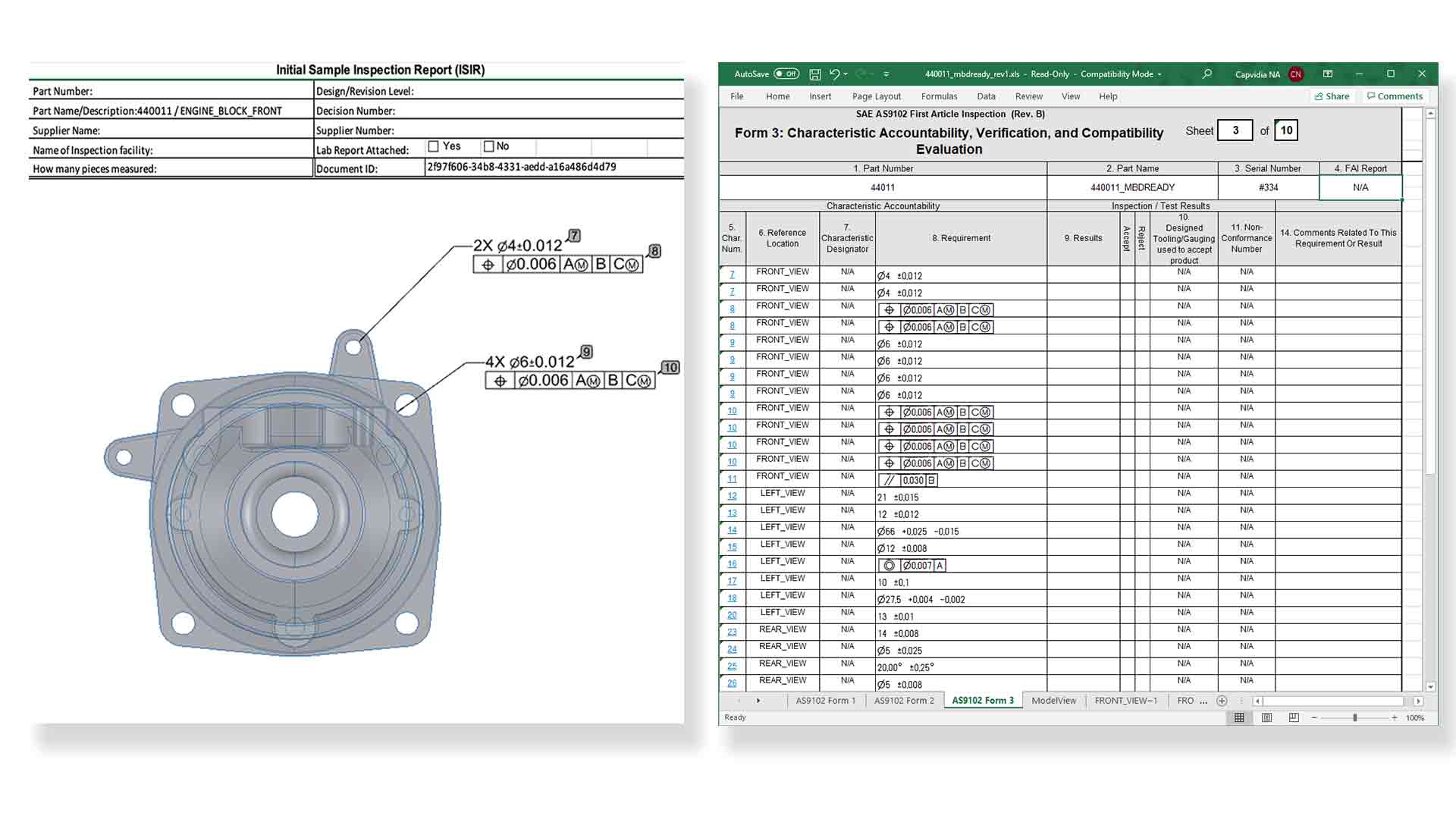
Generate bill of characteristics, ballooning, and inspection-ready reports from 2D or 3D sources.

Digital Transformation leaders

Reduce manual transcription, improve interoperability, and strengthen the digital thread.

MBDReady

How FormatWorks fits into your workflow

DQM
Capvidia Vector logo

Author in SolidWorks

Work in your native SolidWorks environment while preparing model-based data at the source

Capvidia Vector logo

Export to standards-based MBD

Publish semantic PMI and product definition to QIF or STEP AP242 for downstream use

Capvidia Vector logo

Connect downstream workflows

Send trusted MBD data into manufacturing, inspection, and quality without losing intent or traceability

MBDReady

What you can do with FormatWorks:

1.

Export model-based data from SolidWorks

Publish an ISO-standard QIF or STEP AP242 model directly from SolidWorks.

Multi-CAD interoperability throughout the digital thread and workflow. Compatible SolidWorks 2021 and above.


sw-pmi
2.

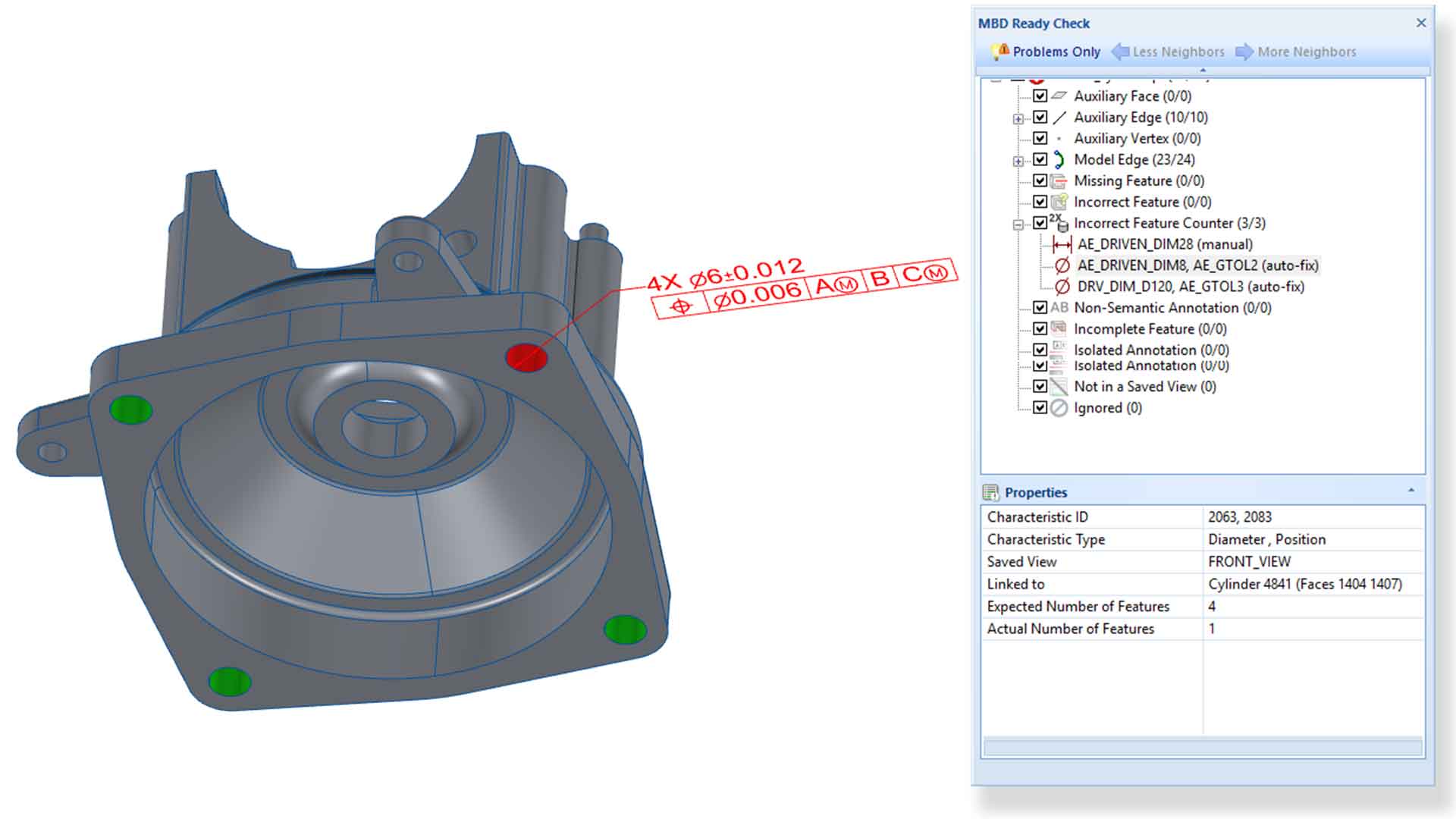
Prepare machine-readable MBD for inspection workflows

Machine-readable PMI enables downstream processes in quality and manufacturing aka automation.


MBDV-screenshot2-a
3.

Open door to MBD

Endless possibilities with MBD: Automated FAI and CMM. Harvest measurement data. Import measurement results back into MBD model for improved product and business insights.

MBDV-screenshot4
4.

Capvidia Priority Support

We've got your back. Second to none in personal support. We don't sell software; we provide solutions. Have questions or need help. Just ask!

Capvidia-Support2

Benefits of using FormatWorks for OEMs and Suppliers

  1. Publish true MBD directly from SolidWorks

    Export semantic PMI to QIF or STEP AP242 for downstream interoperability.

  2. Improve downstream automation and inspection quality

    Prepare machine-readable PMI for manufacturing, CMM, and quality workflows.

  3. Strengthen digital thread from design to results

    Bring downstream measurement data back into the MBD workflow for better traceability and insight.

FAQ

Questions?

What benefits does FormatWorks provide for downstream documentation?

FormatWorks enhances Model-Based Definition workflows by streamlining the connection between 3D models and downstream documentation, improving data exchange for quality assurance and manufacturing.

Is FormatWorks compatible with industry-standard export formats?

Yes, FormatWorks supports industry-standard export formats such as QIF and STEP AP242 for efficient data exchange.

How does FormatWorks help suppliers?

Suppliers often receive MBD models from OEMs but struggle to validate, interpret, or reuse the data efficiently. FormatWorks helps suppliers check model quality, confirm compliance with customer requirements, and extract usable data for quality planning, inspection, and reporting.

See whether FormatWorks is right for you

Request a trial of FormatWorks. Explore how to publish interoperable MBD and enable automation for manufacturing and quality processes.